The game master
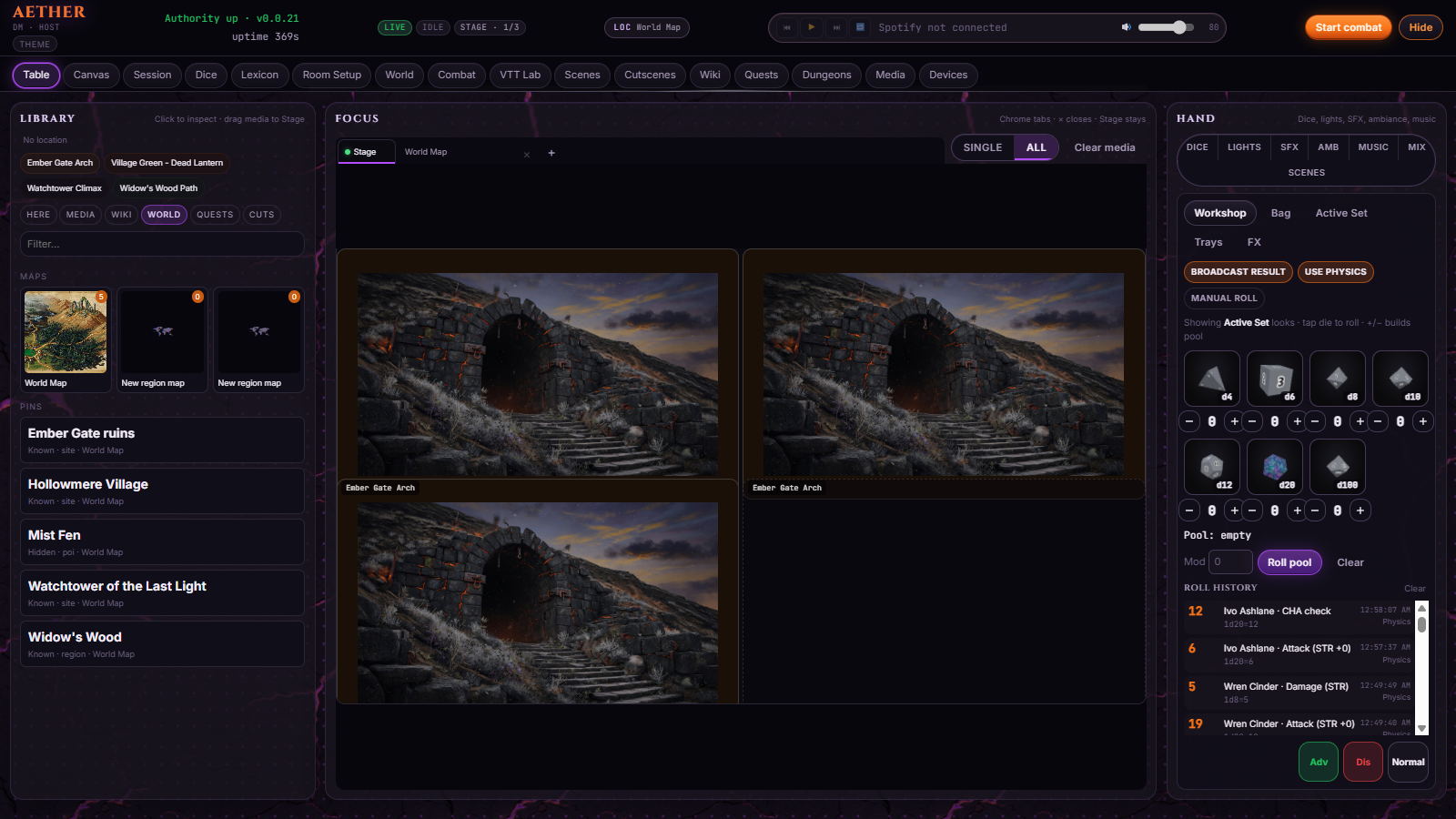
You run the table
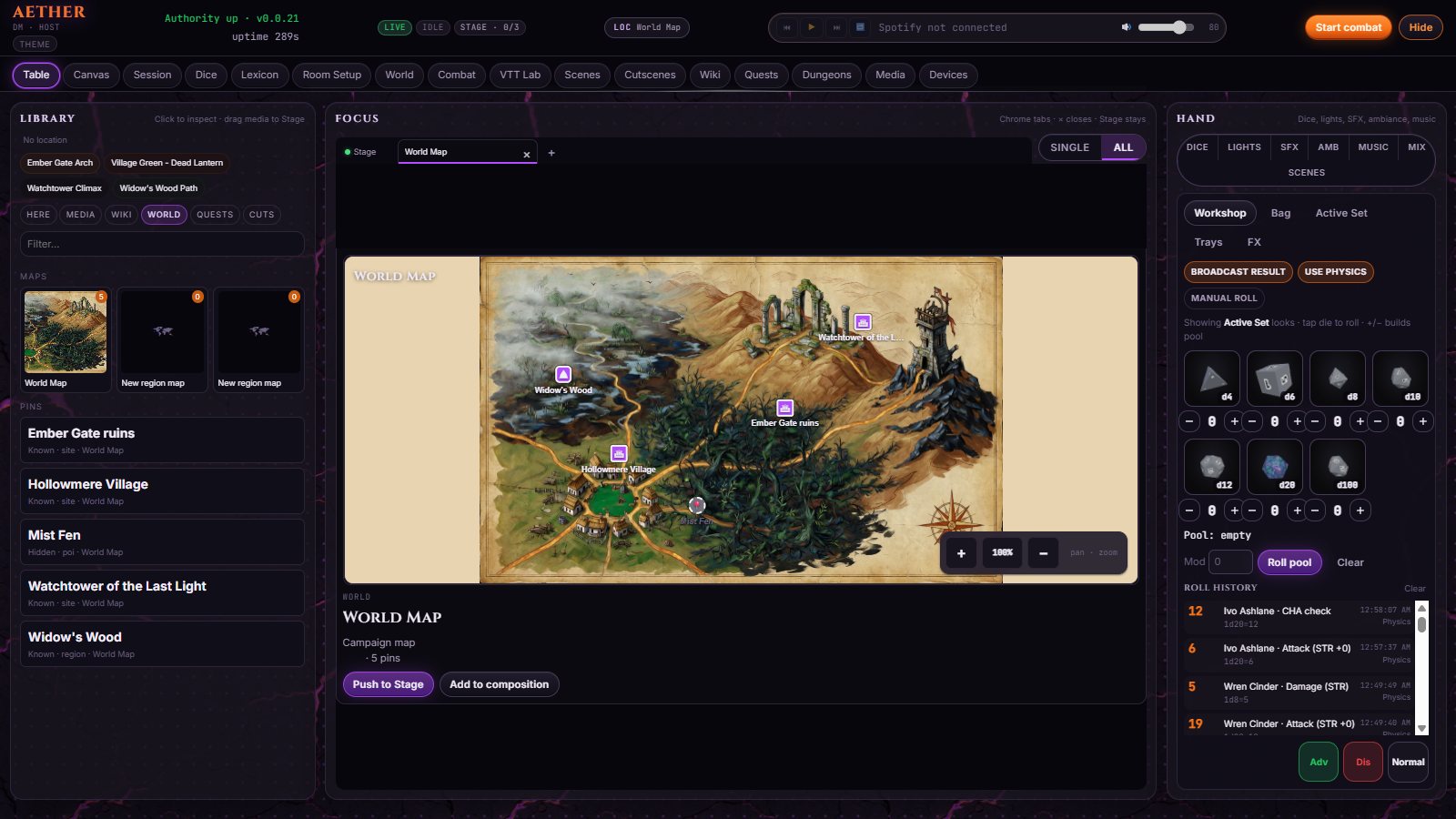
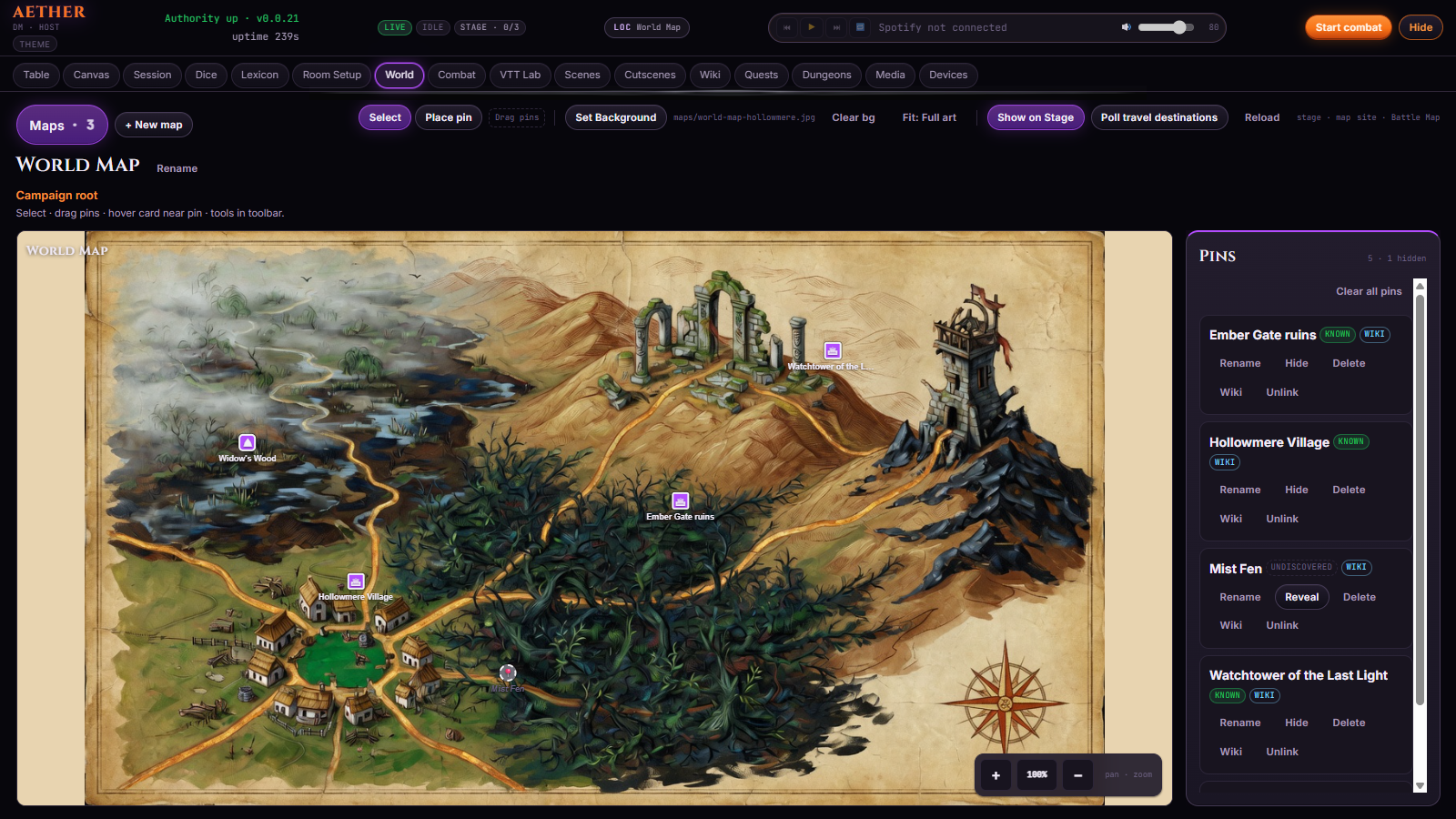
The maps, the stats, the dice, the notes and whatever else you need, as well as the entire control suite to create that perfect ambiance.
Control the game with a click of a button.
The Command Nexus — control the table from your computer
About
Aether is for the table you already have, the story you are already telling.
Local host
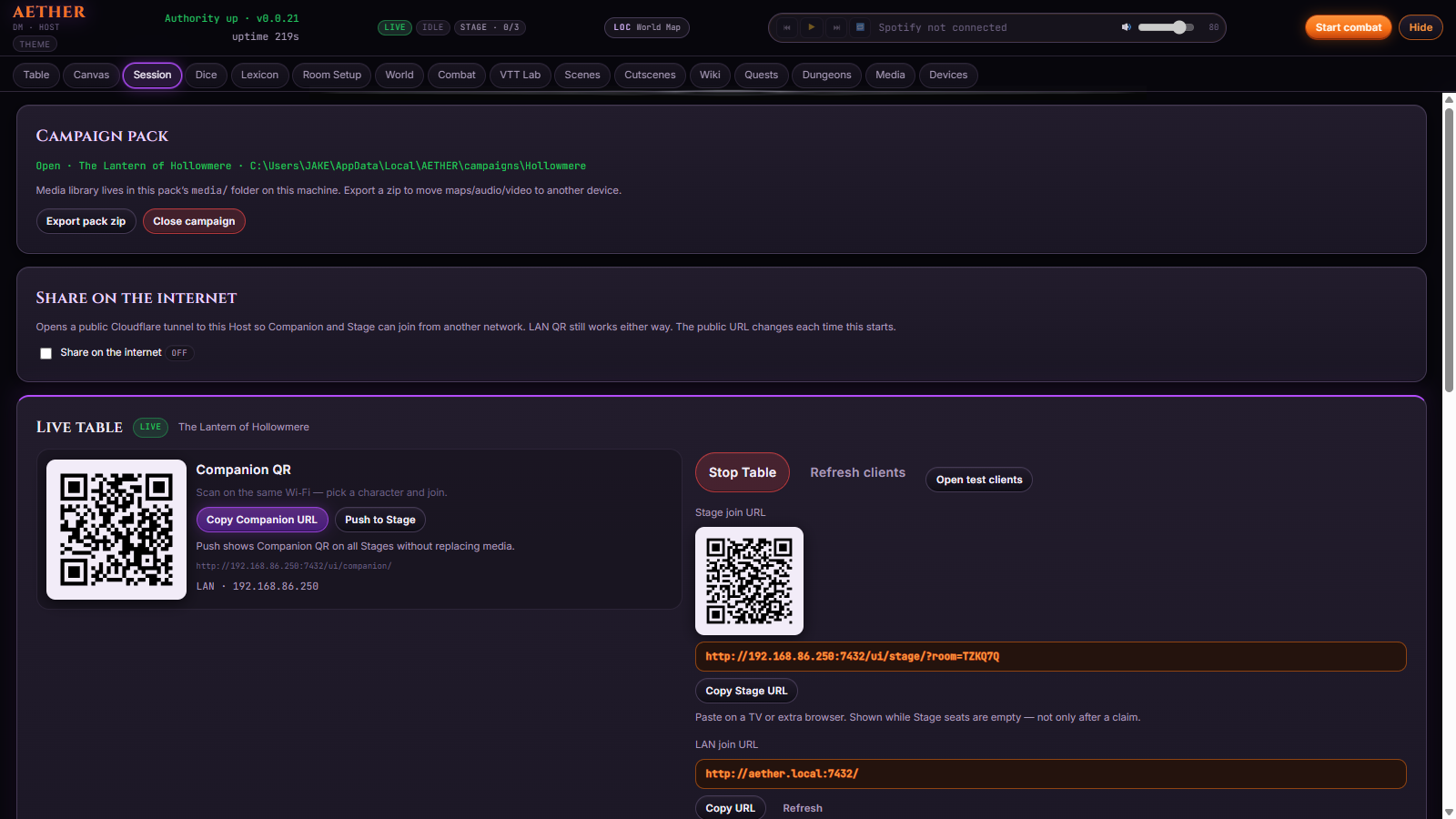
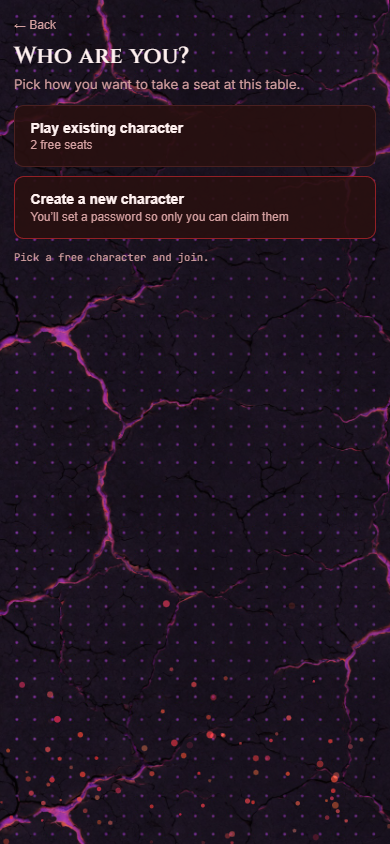
Aether is hosted locally on your machine, everyone else will open a link on their phone to connect to your game. No need for them to make accounts, just pick a character and start playing. You see everything, they see what you want them to, character sheets, dice rolls, turn order, or anything else you want.
The room
Set the mood by connecting to your lighting systems, projectors, TVs or whatever else you want. Or don't, the power is in your hands. You can even connect external apps through our API integration.
Yours
The campaign lives on your computer, no websites necessary, no external connection to play, it can all run off your local network, if the wifi goes down or the internet fails, no problem!
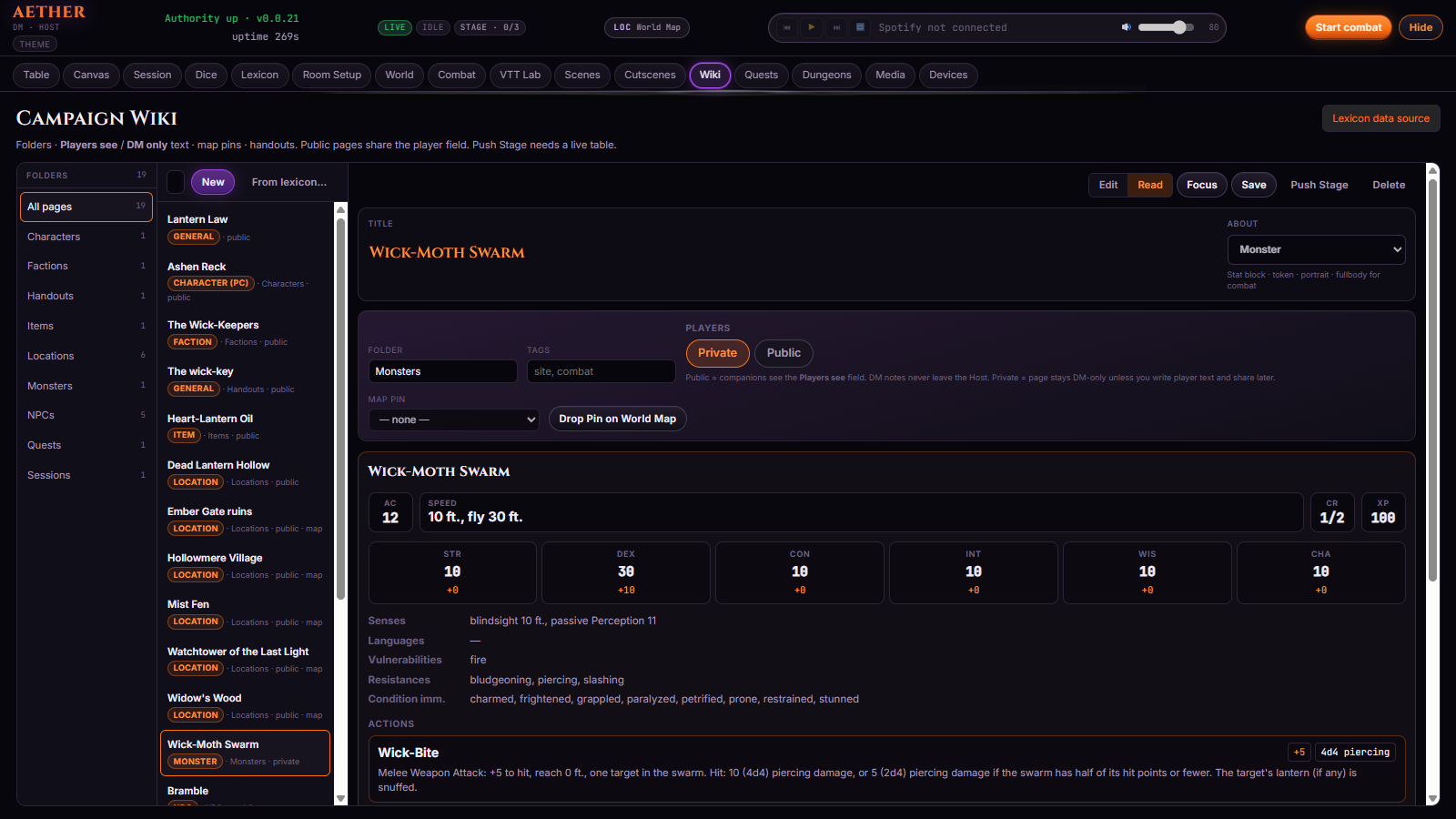
Library
You can download the base files as a starting library and build from there, your own characters, monsters, worlds and stories. Its all yours, forever.
Who sees what
The game master
The maps, the stats, the dice, the notes and whatever else you need, as well as the entire control suite to create that perfect ambiance.
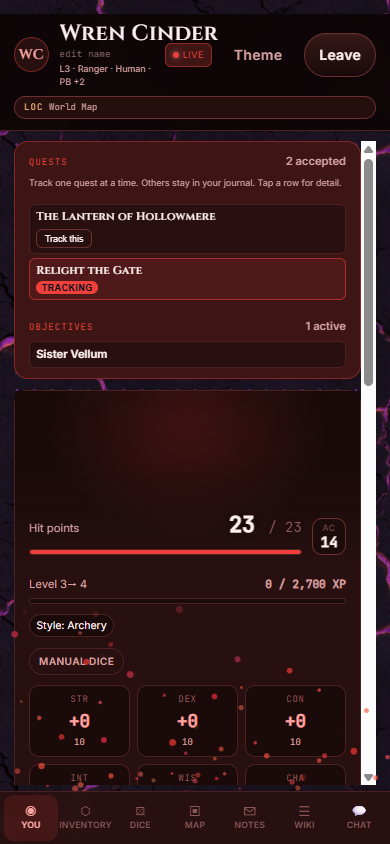
The player
Your character sheet, rolls, and whatever else the GM wants.
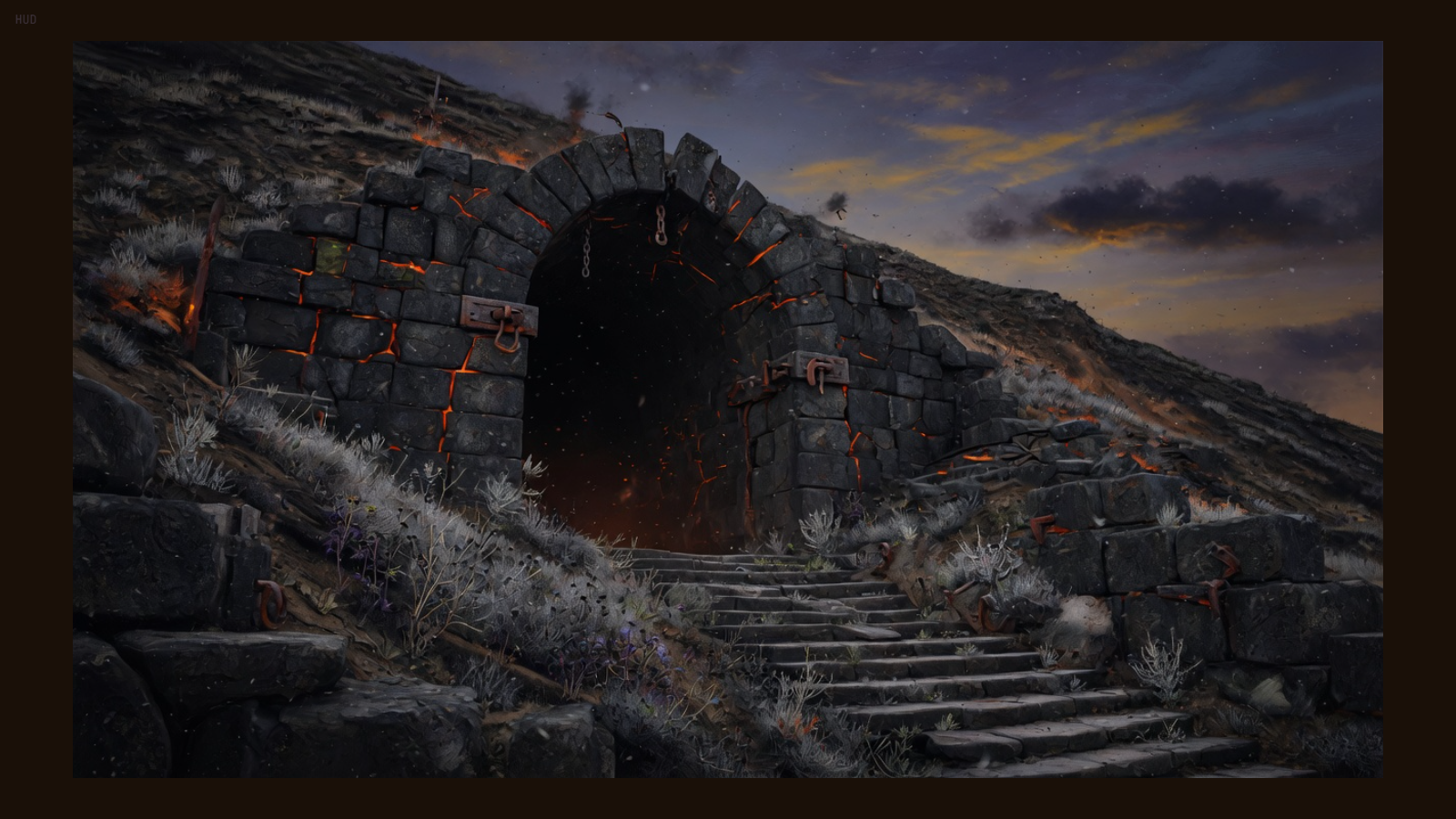
The room
Whether it be mood lighting, a projector, a TV screen or surround sound, you can set up your room to give the exact tone you are looking for.
Pre-beta
Pre beta is currently invite only, if you are interested in helping make Aether better, please reach out to us on our socials:
Windows installer
Download for WindowsDownload the installer and double-click it. That is the whole install — no unzip, no folder of scripts. Your campaigns stay on that PC. If Update is hiding in an older build, close the launcher, run the updater, and open it again.
Latest release